A free gym workout tracker and lifting log for iPhone, iPad and Apple Watch. No account, no sign-up, everything included.
- Free — every feature, nothing locked
- No registration — open it and log; signing in is optional, only for cloud sync
- Works offline — your workouts are saved on the phone first
Everything is written to the device first, so a session keeps logging in a basement gym with no signal, and each exercise opens with what you actually lifted last time — duplicate the set or apply the previous numbers instead of typing them again. 700+ exercises with form guides, Apple Watch logging, templates and supersets, personal records, muscle-balance insights, and since 1.7 your body weight trend, a body goal and water.
Gym Logbook is a pilot: free while it grows. Later a small subscription of about $2 may be added, only to cover development costs.
Gym Logbook — бесплатный дневник тренировок для iPhone и Apple Watch. Без регистрации и без аккаунта, все функции включены, работает без интернета: 700+ упражнений, запись подхода в два касания, личные рекорды, вес тела и вода. Приложение на русском языке.
Your body, not just your lifts
- 700+ exercises
- 21 sports
- 10 languages
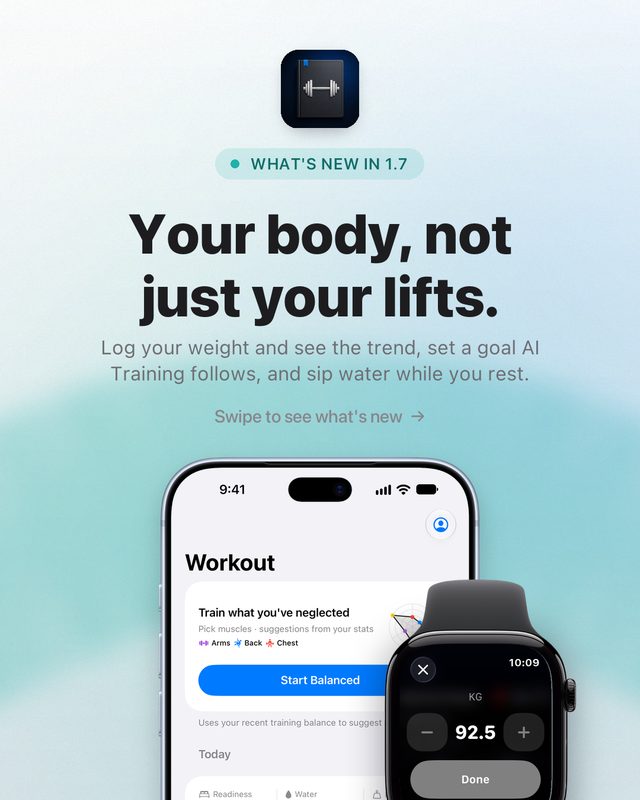
Your body, not just your lifts
Log your weight and see the trend, set a goal AI Training follows, and sip water while you rest — plus a faster weight editor on Apple Watch.
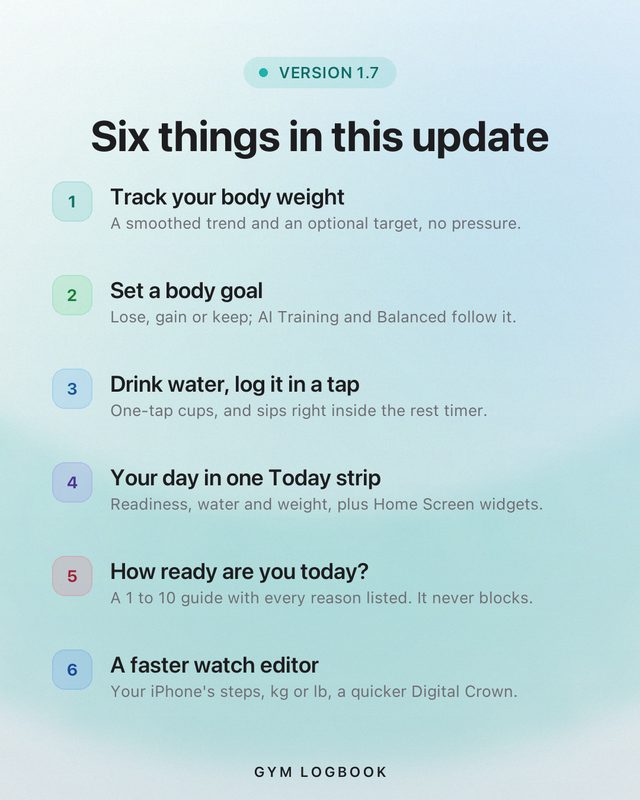
Six things in this update
Body weight with a trend. A body goal that training follows. Water in a tap, even between sets. A Today strip and Home Screen widgets. A readiness guide. A faster weight editor on Apple Watch.
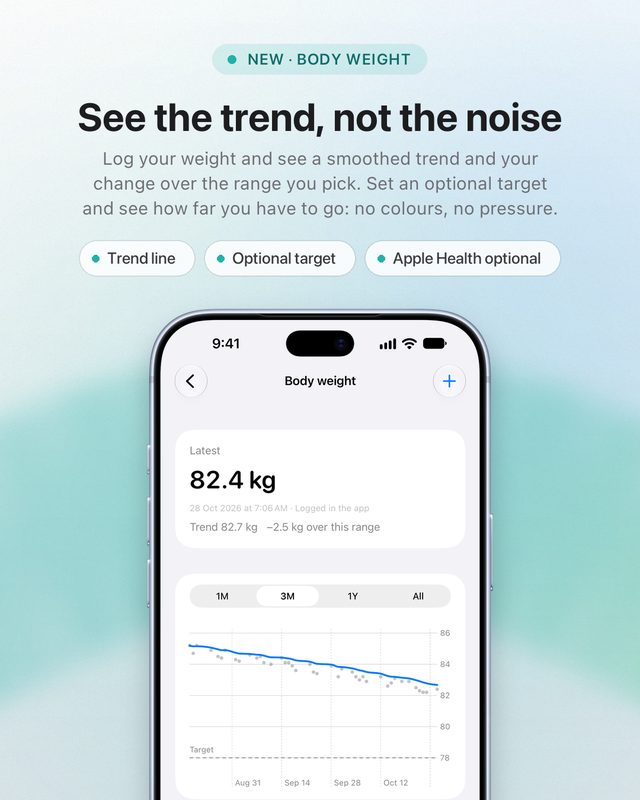
See the trend, not the noise
Log your weight and see a smoothed trend and your change over the range you pick. Set an optional target and see how far you have to go — no colours, no pressure. Reading your scale through Apple Health is off until you turn it on.
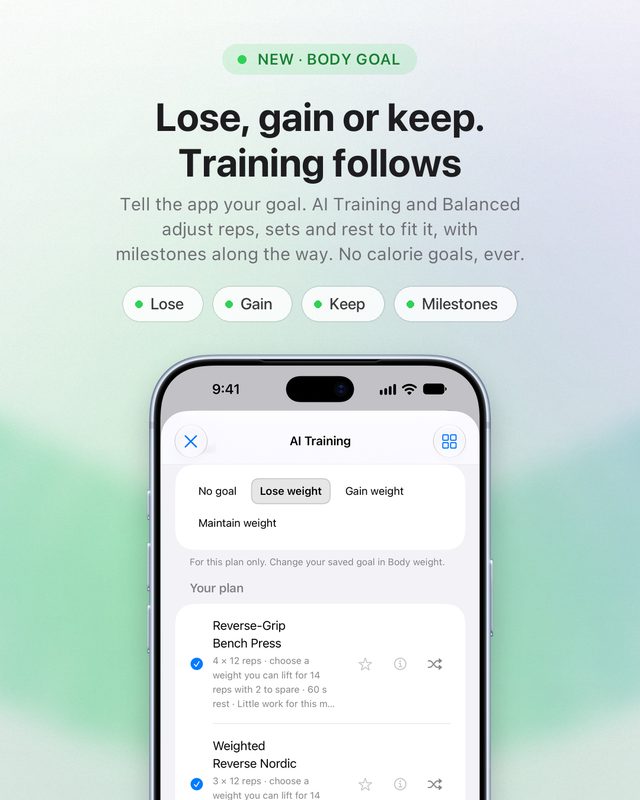
Lose, gain or keep. Training follows
Tell the app whether you want to lose, gain or keep your weight. AI Training and Balanced adjust reps, sets and rest to fit it, and you get milestones along the way. No calorie goals, ever.
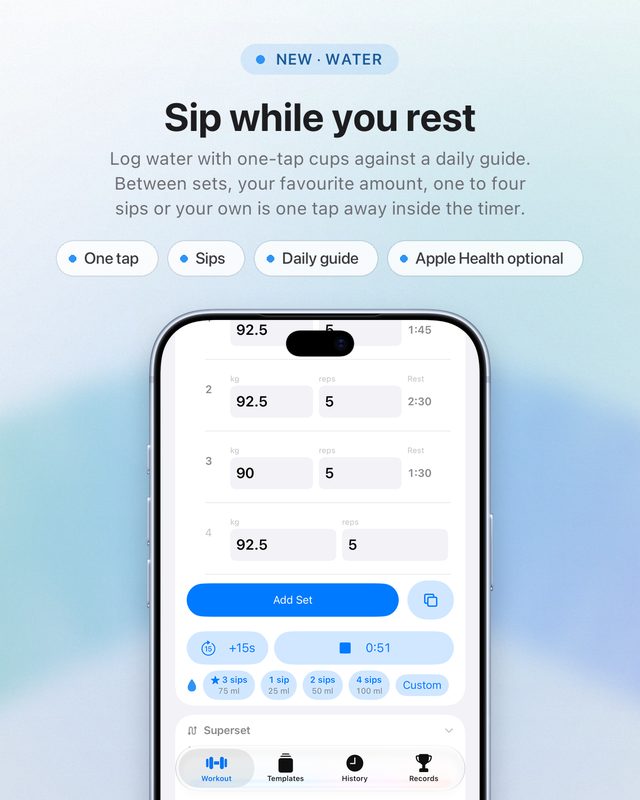
Sip while you rest
Log water with one-tap cups against a daily guide based on your weight and how long you trained. Between sets, your favourite amount, one to four sips or your own is one tap away inside the rest timer.
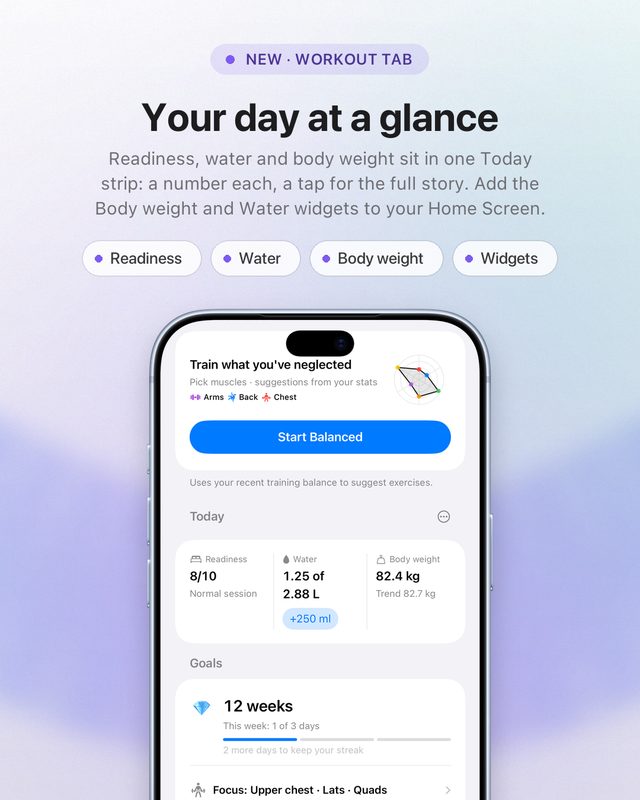
Your day at a glance
Readiness, water and body weight sit together in one Today strip — a number each, a tap for the full story. Add the Body weight and Water widgets to your Home Screen. Readiness is a rough guide; it suggests and never blocks.
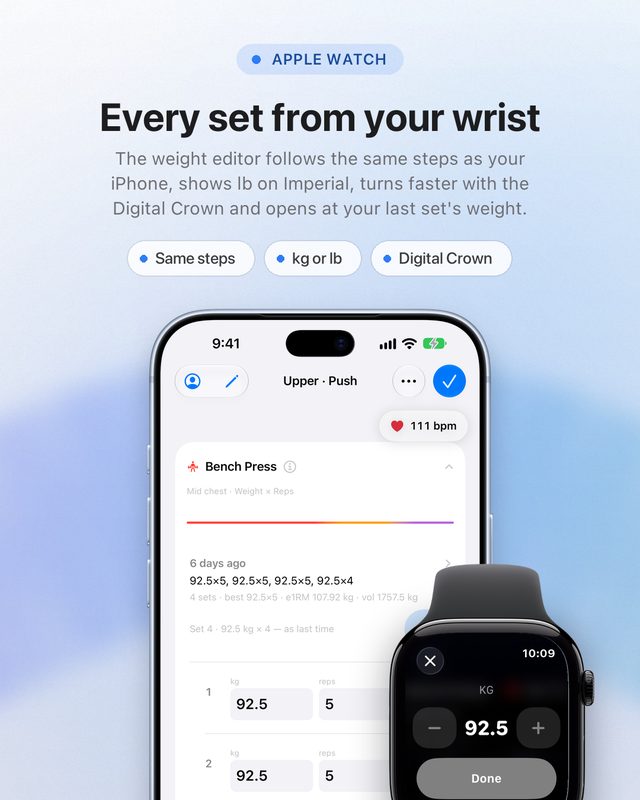
Every set from your wrist
The Apple Watch weight editor follows the same steps as your iPhone, shows lb when you use Imperial, turns faster with the Digital Crown and opens at your last set’s weight.
Your lifts, your weight, your water
One log for all three. Still never loses a session, still works with no signal. Free on the App Store for iPhone and Apple Watch, iOS 26 or later.
Swipe, or use the arrow keys
1.7 needs iOS 26 or later. Body weight, water and sleep are read from Apple Health only after you turn each one on. There is no calorie goal and no food logging, and readiness is a rough guide that never blocks a workout.
Train by voice
- Siri voice logging
- 600+ exercises
- 21 sports
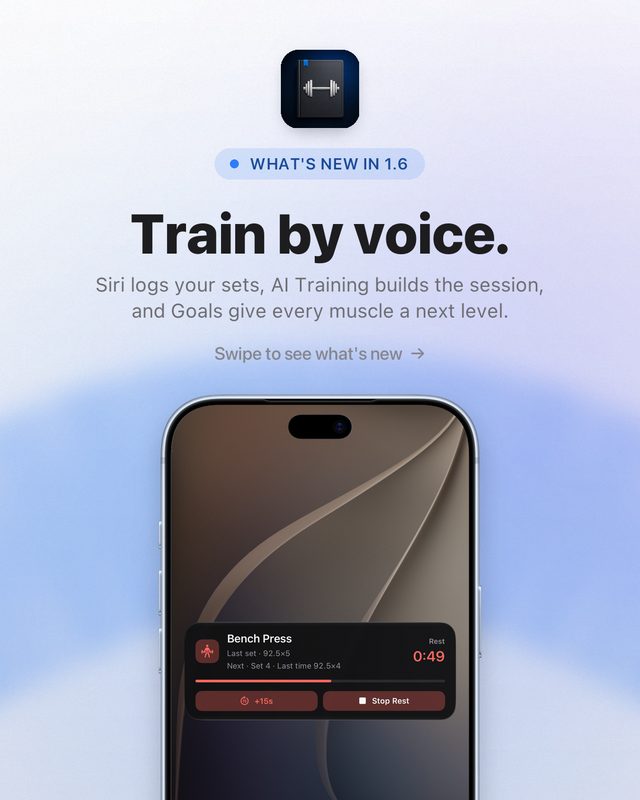
Train by voice
Siri logs your sets with the phone in your pocket, AI Training builds the session for your level, and Goals give every muscle a next level.
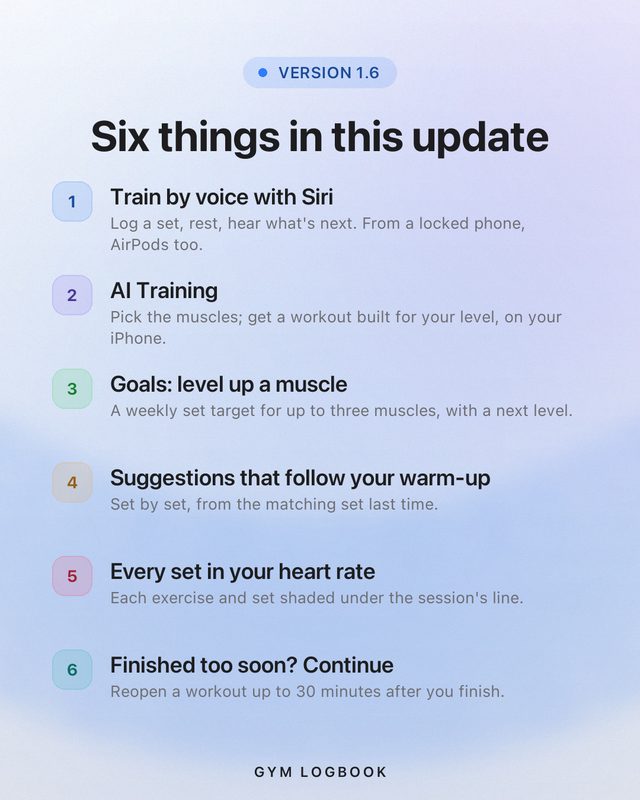
Six things in this update
Siri voice logging. AI Training. Goals that level up one muscle at a time. Suggestions that follow your warm-up. Every set in your heart rate. Continue a workout you finished too soon.
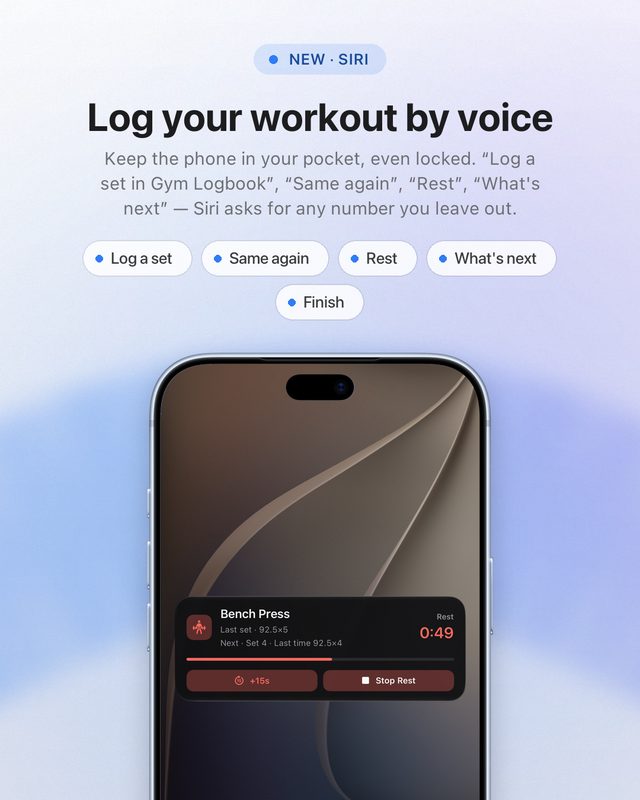
Log your workout by voice
Keep the phone in your pocket, even locked, and talk to Siri, from AirPods too: “Log a set in Gym Logbook”, “Same again”, “Rest in Gym Logbook”, “What’s next”. Siri asks for any number you leave out, and every phrase is listed in Account → Siri.
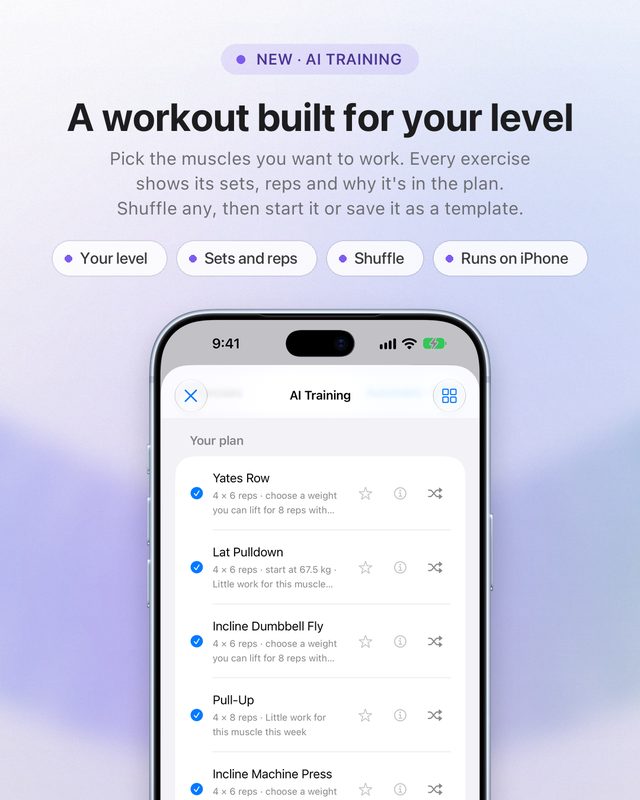
A workout built for your level
Pick the muscles you want to work and get a plan for your level. Every exercise shows its sets, reps and why it’s in the plan; shuffle any, then start it or save it as a template. It all runs on your iPhone.
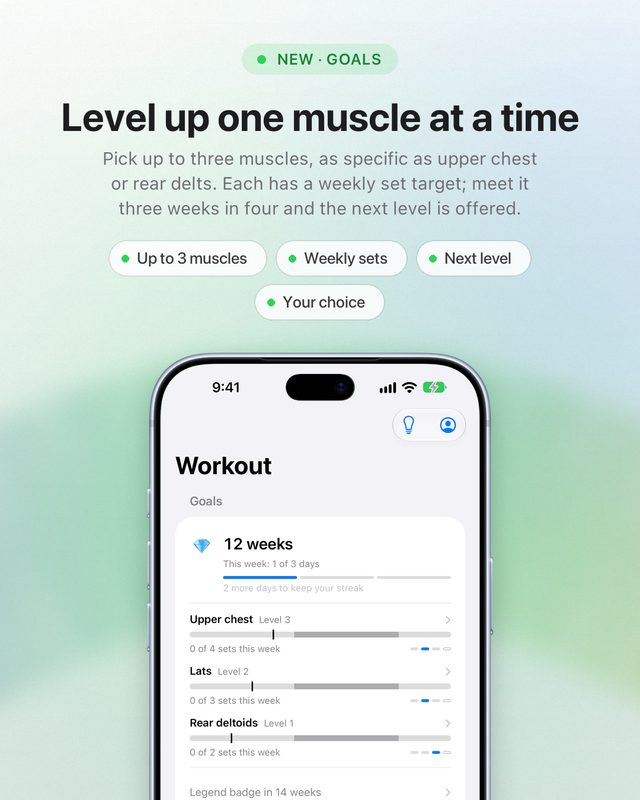
Level up one muscle at a time
Pick up to three muscles, as specific as upper chest, lats or rear delts. Each has a weekly set target; meet it in three weeks out of four and the next level is offered. Nothing changes unless you choose it.
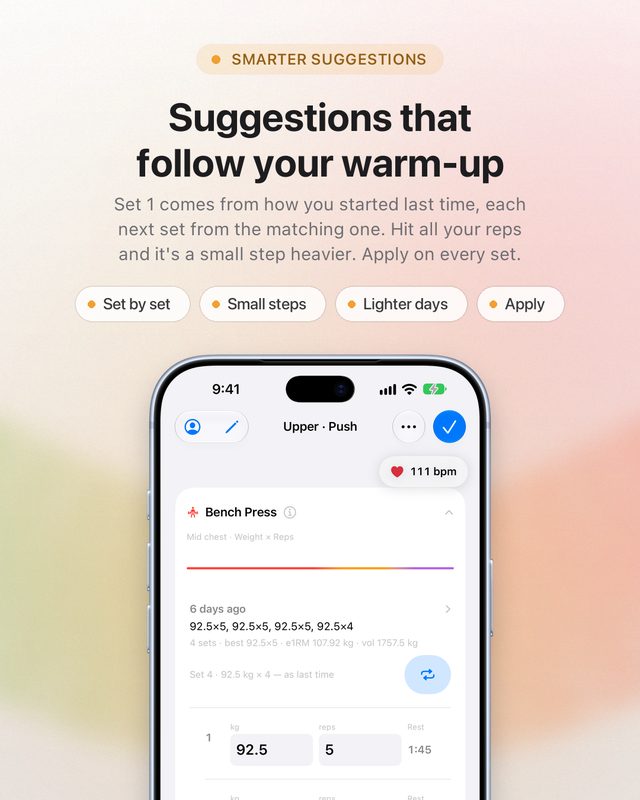
Suggestions that follow your warm-up
Set 1 comes from how you started last time, and each next set from the matching one — a small step heavier when you hit all your reps at your top weight. A lighter day adapts, and Apply is there on every set.
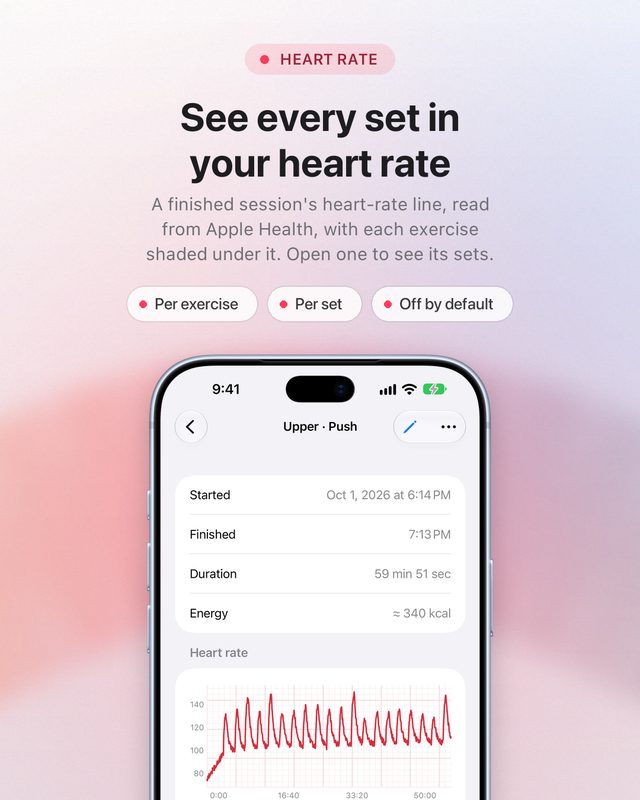
See every set in your heart rate
A finished session’s heart-rate line, read from Apple Health, with each exercise shaded under it; open one to see its sets. Off until you turn it on.
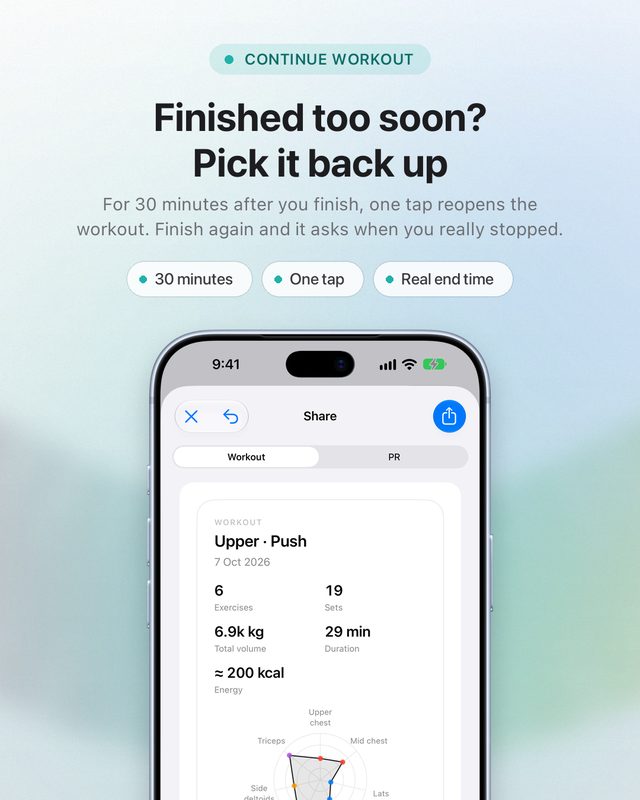
Finished too soon? Pick it back up
For 30 minutes after you finish, one tap reopens the workout. When you finish again it asks when you really stopped, so the duration stays right.
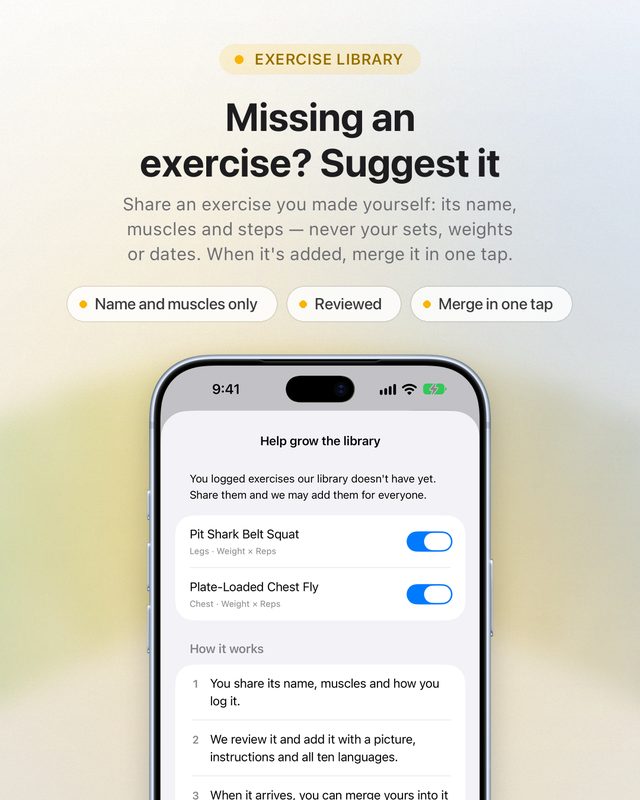
Missing an exercise? Suggest it
Made your own exercise because the library didn’t have it? Share its name, muscles and steps — never your sets, weights or dates. We review it, and when it’s added you merge yours in one tap.
Two taps per set — or none
Siri logs it for you. Still never loses a session, still works with no signal. Free on the App Store for iPhone and Apple Watch, iOS 26 or later.
Swipe, or use the arrow keys
1.6 needs iOS 26 or later. Heart rate is read from Apple Health only after you turn it on. AI Training runs on your iPhone, and suggesting an exercise sends its name, muscles and steps — never your sets, weights or dates.
Log from your wrist
- Apple Watch logging
- 600+ exercises
- 21 sports
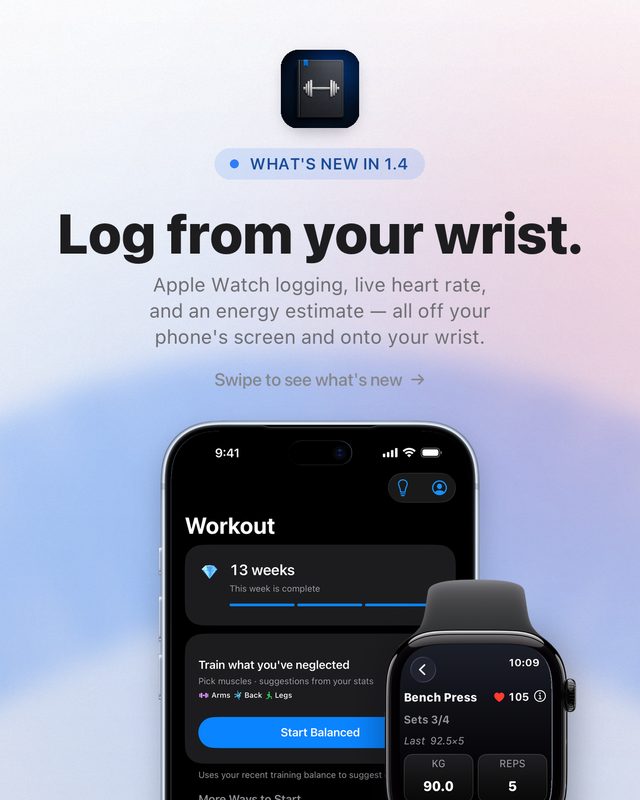
Log from your wrist
Start the workout on iPhone, then log every set on Apple Watch — weight, reps, Dup, Add Set and Rest, one tap each.
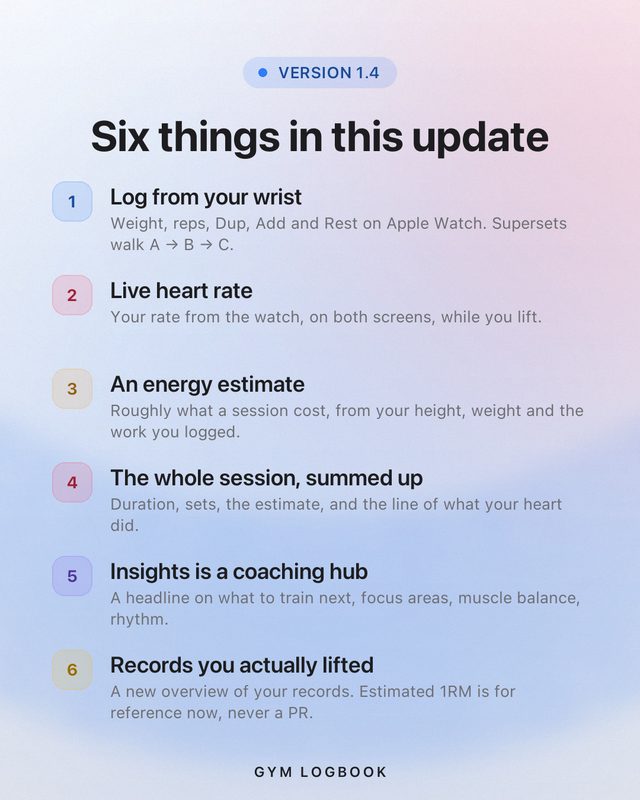
Six things in this update
Apple Watch logging. Live heart rate on both screens. An optional energy estimate. Every session summed up. Insights as a coaching hub. Records you actually lifted.
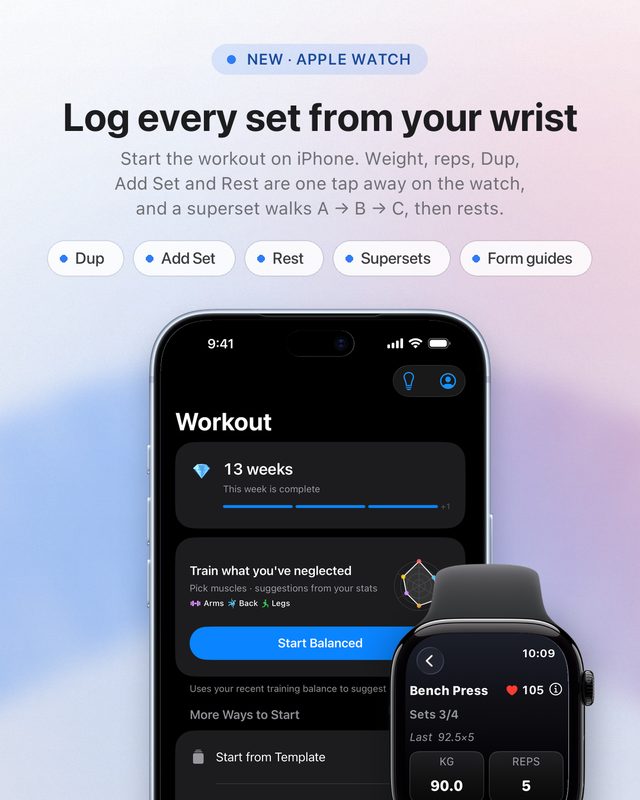
Log every set from your wrist
Every exercise in the session is on your wrist. Dup, Add Set and Rest are one tap away, a superset walks A → B → C and then rests, and form guides come along. Your data stays on the phone.
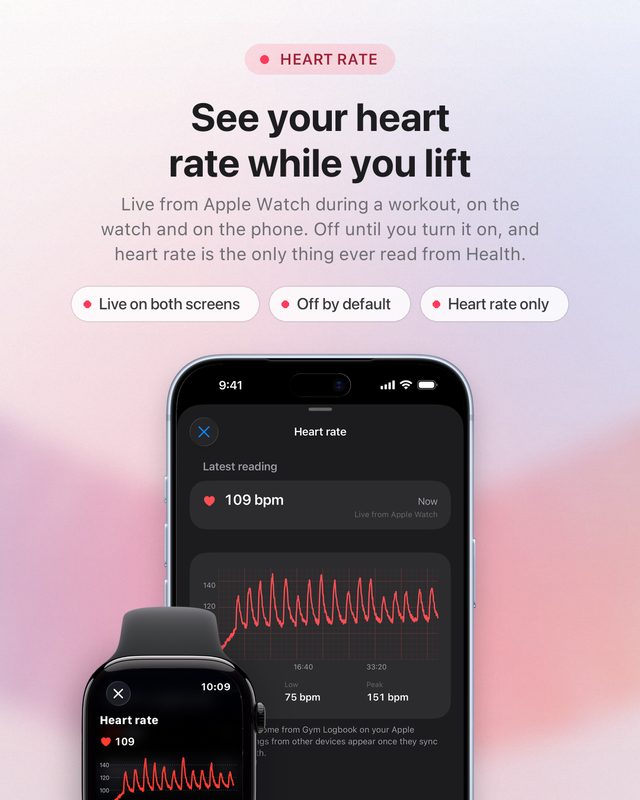
See your heart rate while you lift
Live from Apple Watch during a workout, on the watch and on the phone. Off until you turn it on, and heart rate is the only thing Gym Logbook ever reads from Health.
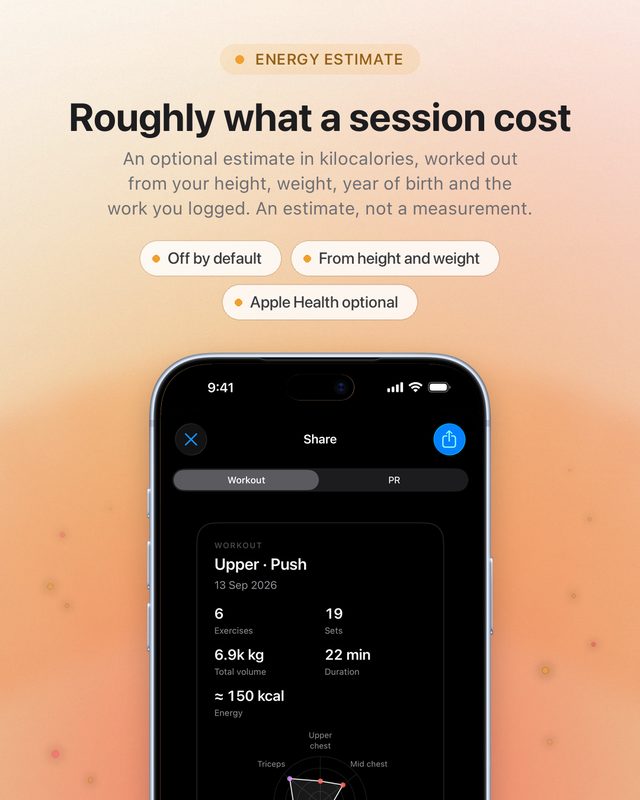
Roughly what a session cost
An optional estimate in kilocalories, worked out from your height, weight, year of birth and the work you logged. It is an estimate, not a measurement, and it stays off until you set it up.
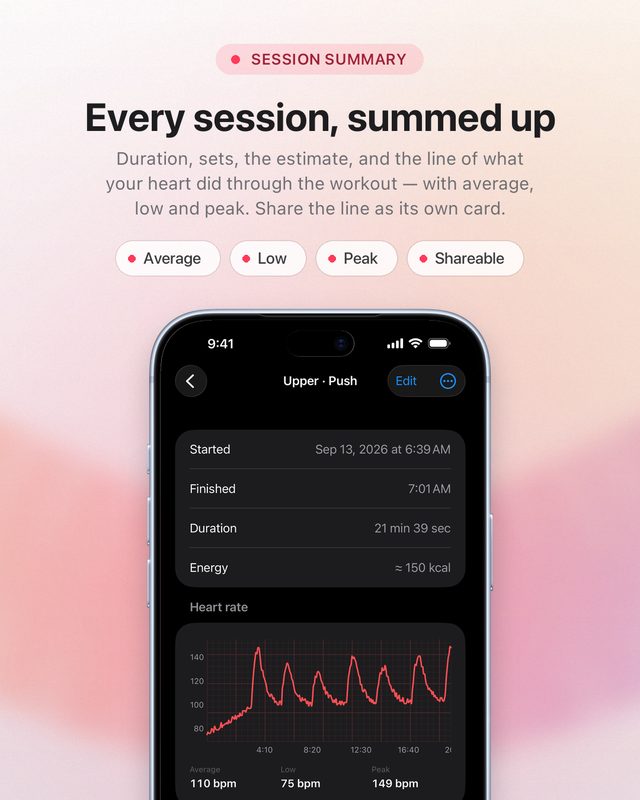
Every session, summed up
Duration, sets, the estimate, and the line of what your heart did through the workout — with average, low and peak. Share the line as its own card.
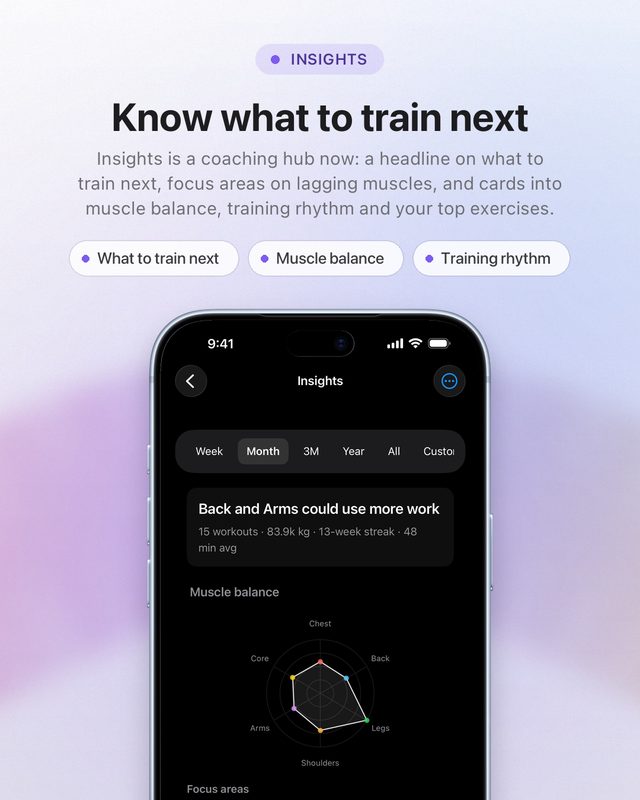
Know what to train next
Insights is a coaching hub now: a headline on what to train next, focus areas on lagging muscles, and cards into muscle balance, training rhythm and your top exercises.
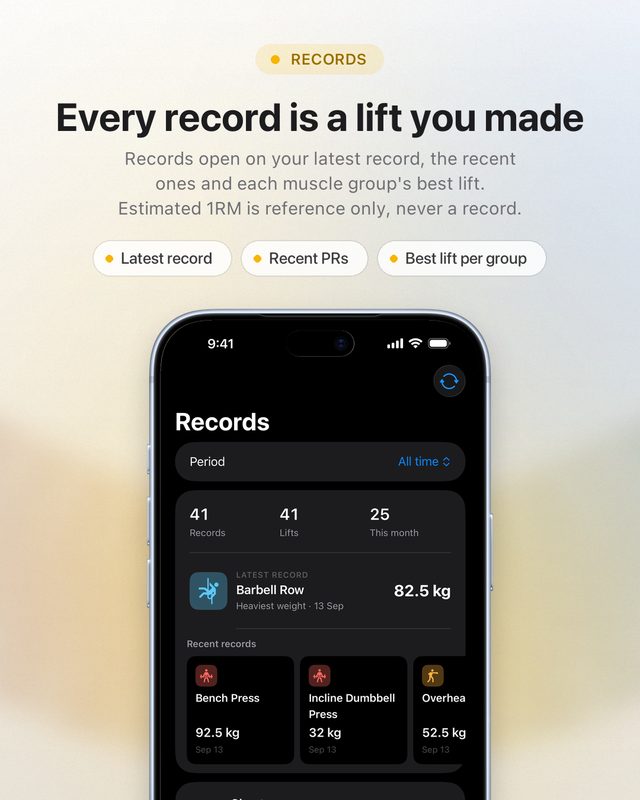
Every record is a lift you made
Records open on your latest record, the recent ones and each muscle group’s best lift. Estimated 1RM is reference information now, never a record.
Two taps per set
Still never loses a session, still works with no signal. Free on the App Store for iPhone and Apple Watch.
Swipe, or use the arrow keys
Live heart rate and the energy estimate are off until you turn them on. The energy figure is an estimate, not a measurement, and nothing in the app is medical advice.
Train for your sport
- 21 sports
- 600+ exercises
- 7 streak boards
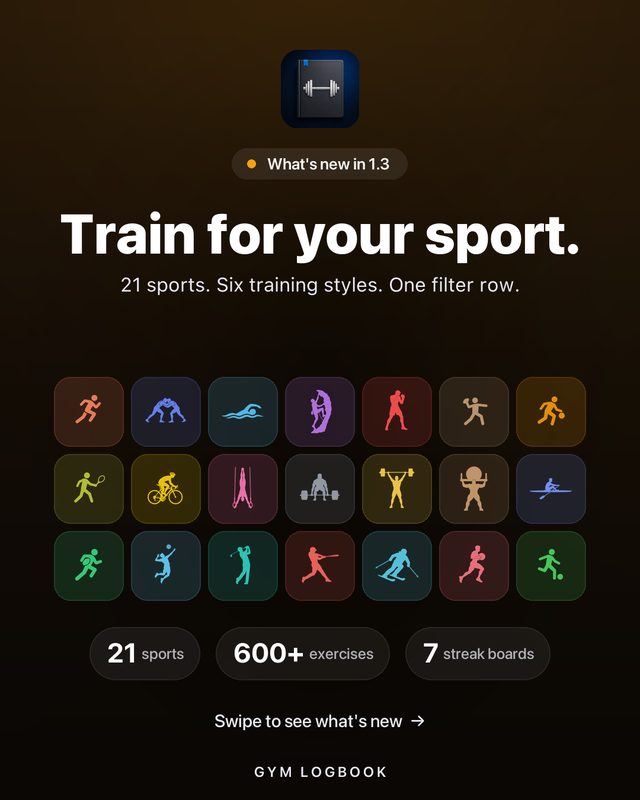
Train for your sport
Pick your sport — 21 of them, from wrestling and rugby to Hyrox, climbing and Olympic weightlifting — and the whole exercise library follows you.
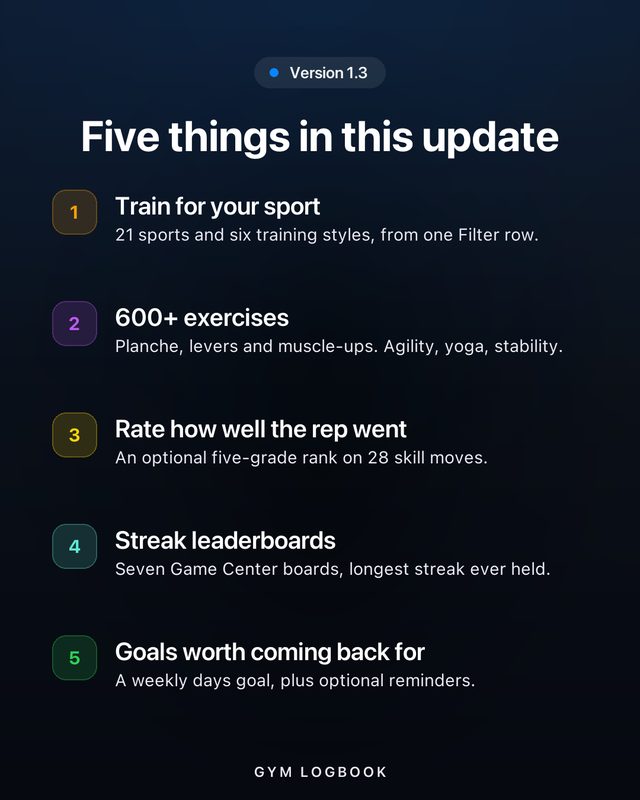
Five things in this update
21 sports and six training styles from one Filter row. 600+ exercises. An optional execution rank on 28 skill moves. Seven streak boards. A weekly goal you can actually change.
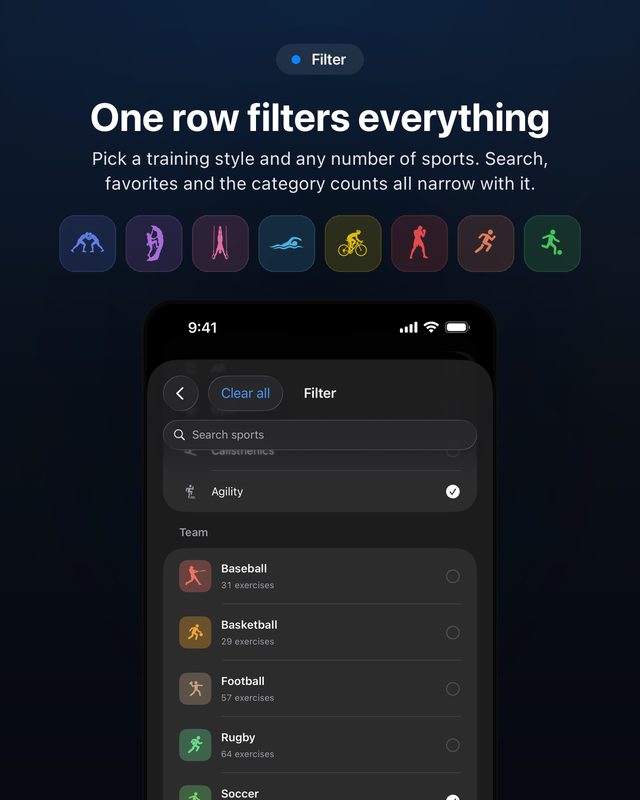
One row filters everything
Pick a training style — Gym, Calisthenics, Agility, Yoga, CrossFit or Stability — plus any number of sports. Search, favorites and the category counts all narrow with it. Supersets and templates carry sport tags too.
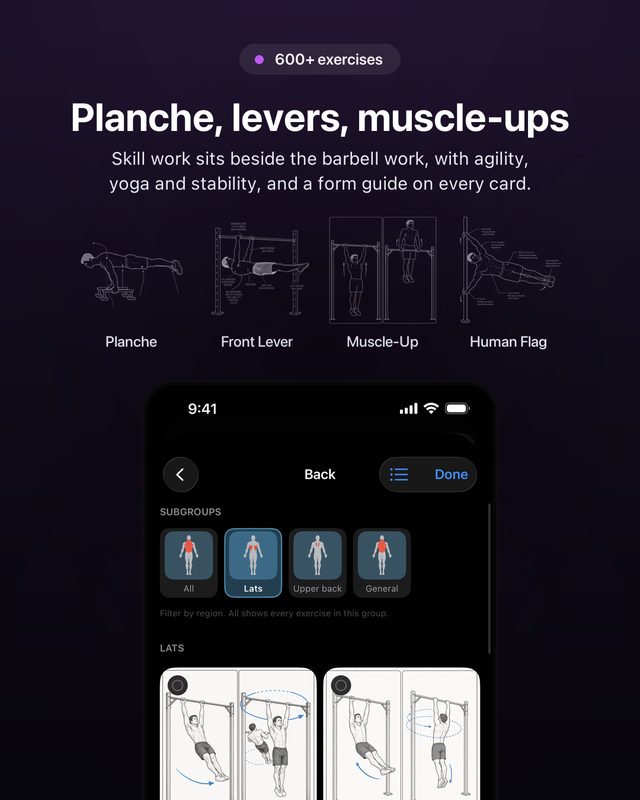
Planche, levers, muscle-ups
The catalog is now 600+ exercises. Skill work sits beside the barbell work — front lever, human flag, the acrobatic moves — with agility, yoga and stability, and a form guide on every card.
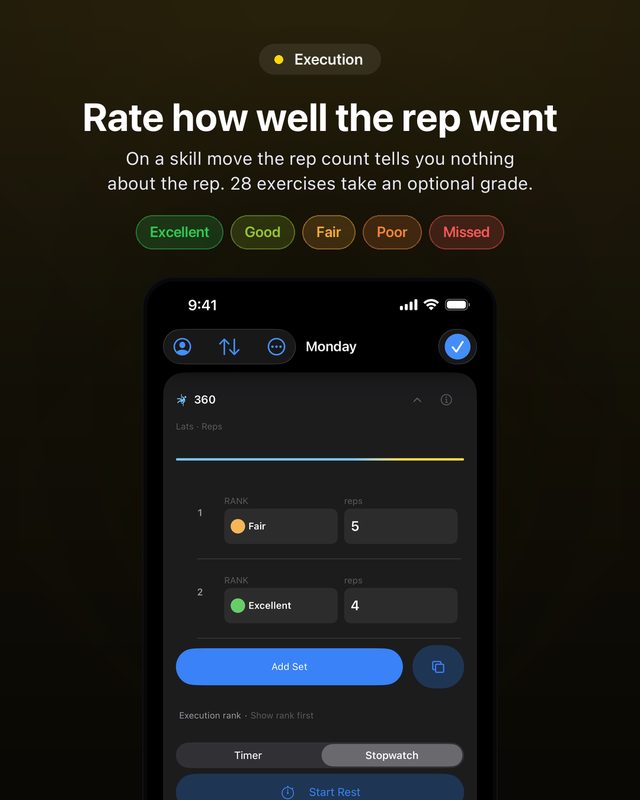
Rate how well the rep went
On a skill move the rep count tells you nothing about the rep. 28 exercises now take an optional grade — Excellent, Good, Fair, Poor, Missed — anchored to gymnastics judging bands. It records form, not effort, and nothing is derived from it: personal records and estimated 1RM are unchanged.
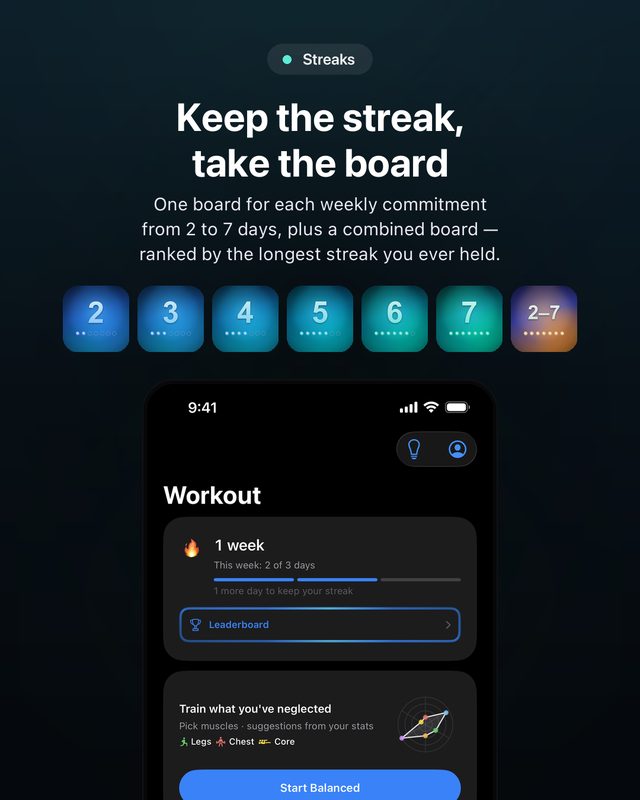
Keep the streak, take the board
Seven Game Center boards — one for every weekly commitment from 2 to 7 days, plus a combined board where a tie goes to the higher commitment. Ranked by the longest streak you have ever held, not the one you are on.
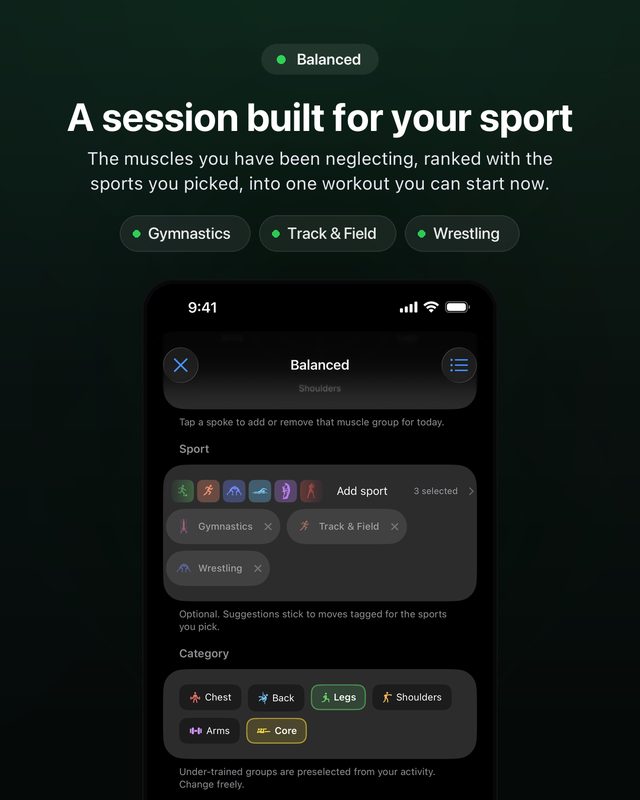
A session built for your sport
Not sure what to train? Balanced takes the muscles you have been neglecting, ranks them together with the sports you picked, and hands you one workout you can start now.
Two taps per set
Never loses a session. Works with no signal — every set is written to the device first, so it keeps logging in a basement gym.
Swipe, or use the arrow keys
Exercise illustrations are AI-generated and are there to help you recognise a movement — read the written instructions and safety notes, and ask a coach if something looks wrong.
Questions
Is Gym Logbook free?
Yes. Every feature is free and nothing is locked. It is a pilot app; later a small subscription of about $2 may be added, only to cover development costs.
Do I need to create an account?
No. Open the app and start logging. Signing in with Apple or Google is optional and only needed if you want finished workouts synced to the cloud.
Does it work without internet?
Yes. Workouts are saved on your iPhone first, so logging keeps working in a gym with no signal.
Does it work with Apple Watch?
Yes. Log weight and reps, duplicate a set, add a set and start your rest timer from your wrist.
Which devices and languages?
iPhone and iPad with iOS 26 or later, and Apple Watch. The app is in English, Russian, Armenian, Swedish, Norwegian, Dutch, Danish, Polish, French and Arabic.